Converting YouTube Videos to MP3 in 3 Simple Steps
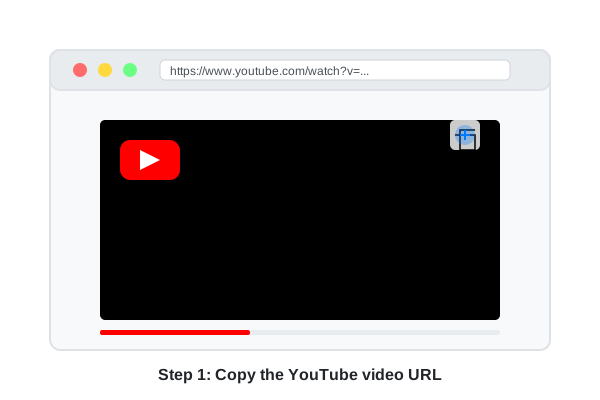
Go to YouTube and find the video you want to convert to MP3 format. Once you've found the video, copy the URL from your browser's address bar.
Return to our YouTube to MP3 converter and paste the copied URL into the input field. Then select your preferred audio quality:
- High Quality (320kbps) - Best audio quality, larger file size
- Medium Quality (192kbps) - Good balance of quality and size
- Standard Quality (128kbps) - Smaller file size, standard quality
After pasting the URL and selecting quality, click the "Convert" button.

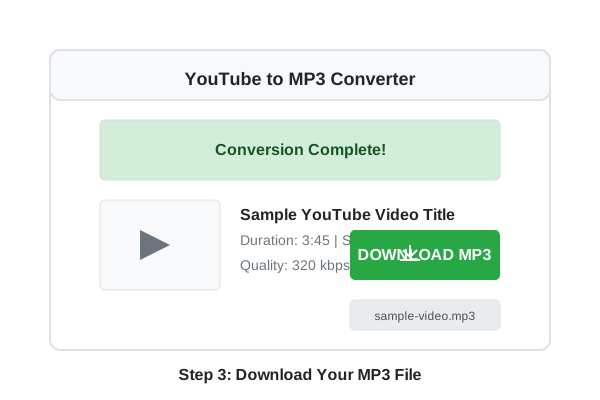
After the conversion process is complete, you'll see the video details and a download button. Click the "Download MP3" button to save the audio file to your device.
Additional Tips & Tricks
Mobile Device Usage
On mobile devices, you can share a YouTube video directly to our converter by tapping the "Share" button under the video and selecting "Copy Link". Then paste the link into our converter.
Batch Conversion
Need to convert multiple videos? Simply convert them one after another. Our service has no daily limits on the number of conversions you can perform.
Long Videos
When converting longer videos (over 1 hour), the conversion process may take a bit longer. Please be patient and don't refresh the page during conversion.
Bookmark Our Site
For quick access in the future, bookmark our YouTube to MP3 converter in your browser or add it to your home screen on mobile devices.
Troubleshooting Common Issues
If you see an "Invalid URL" error message, please check that:
- The URL is from YouTube (starts with youtube.com or youtu.be)
- The URL is complete and not cut off
- There are no extra spaces before or after the URL
Try copying the URL again from your browser's address bar.
If the conversion process seems to be taking too long, consider the following:
- Check your internet connection
- Very long videos (over 1 hour) naturally take longer to convert
- Try refreshing the page and attempting the conversion again
- Try a different browser or device
If your download doesn't start after clicking the download button:
- Check if your browser is blocking pop-ups
- Try right-clicking the download button and select "Save link as..."
- Make sure you have enough storage space on your device
- Try using a different browser
If you receive a "Video Unavailable" error, this could be due to:
- The video has been removed from YouTube
- The video is private or age-restricted
- The video is not available in your country due to regional restrictions
Unfortunately, our converter can only process videos that are publicly available on YouTube.
Video Tutorial
Watch our video tutorial for a visual guide on how to use our YouTube to MP3 converter.